How to Organize Saved DIY Videos From TikTok, Instagram, and YouTube in One Place
The short answer
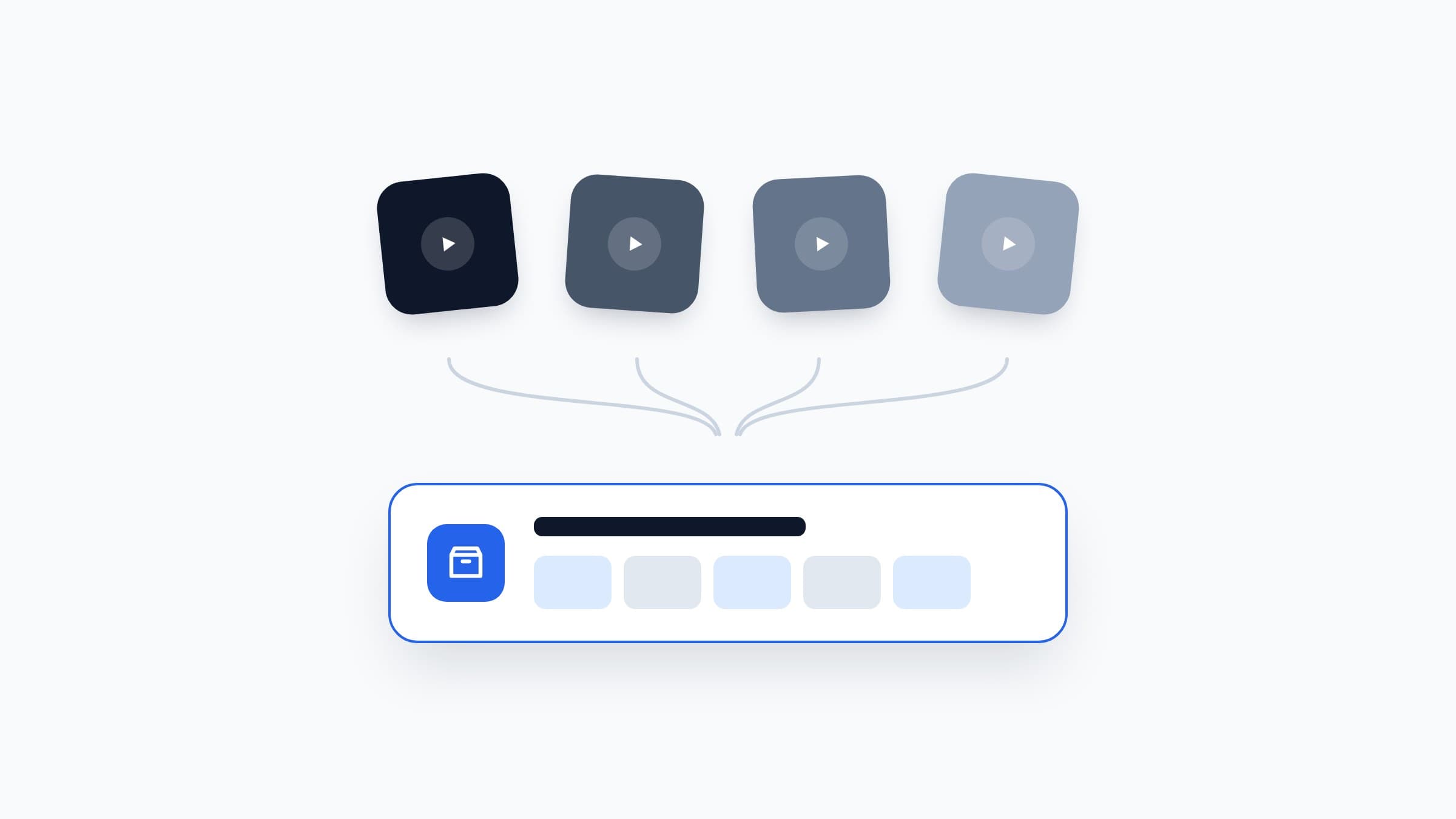
To organize saved DIY videos from TikTok, Instagram, Facebook, and YouTube, stop relying on each app's own favorites and move every save into one shared library instead. Group projects into collections by room or season, and convert each video into a project card with materials and steps so it's actionable, not just watchable.
Key takeaways
- In-app favorites are where projects go to be forgotten. Each platform is a silo with terrible search.
- The rule that changes everything: one save, one home. Every project ends up in the same library, whatever app it came from.
- Collections by room or season beat one giant list. 'Bedroom ideas' is browsable, 300 mixed saves are not.
- Organizing links is step one. Turning each link into materials, tools, and steps is what makes the library useful.
Why in-app favorites are where projects go to die
Every platform gives you a save button, and every platform makes sure your saves never leave. TikTok favorites, Instagram collections, Facebook saved items, YouTube's Watch Later. Four silos, four different interfaces, zero overlap.
That design has three practical problems:
- You can't search across them. Was that garden bench on TikTok or Instagram? You'll check both, find neither, and give up.
- Search inside them barely works. Saved videos are sorted by date saved, not by topic. Finding a specific tutorial from three months ago means scrolling through everything.
- The apps want you watching, not building. Open TikTok to find a saved video and twenty minutes later you're watching new ones. The feed always wins.
If you've ever wondered why you never finish the DIY projects you save, this scattering is reason number one.
The one rule: one save, one home
Here's the entire organizing philosophy in one sentence: every saved project ends up in the same place, no matter which app it came from.
Keep tapping save wherever you browse. That habit is fine, and fighting it is pointless. The change is what happens next: once a day or once a week, each save gets moved to your one library. The source apps become inboxes, and your library becomes the archive.
Source apps are inboxes. Your library is the archive. Never let the inbox become the archive.
The move itself is just sharing a link. Every platform lets you copy or share a video's link in two taps. Where you send that link is what the next section is about.
What can you use as your one library?
You've got four realistic options, from most manual to most automatic.
A notes app
Apple Notes or Google Keep, one note per project, paste the link and add your own notes. Free and instant. The downside: links rot, there's no structure, and after 30 projects the note list is as messy as your TikTok favorites were.
A bookmarks or read-later app
Better browsing and tagging, and links from any source sit side by side. But a bookmarked video is still just a video. No materials, no steps, no costs. You've organized the watching, not the doing.
A spreadsheet
Honestly underrated: columns for link, room, budget, status. Great search and sorting. But keeping it updated is a chore you'll do for three weeks and then quietly abandon.
A dedicated DIY project app
This is why we built Fatto. Share a link from TikTok, Instagram, Facebook, or YouTube, and Fatto's AI reads the caption and transcript and turns the video into a project card: materials with quantities, tools, numbered steps, difficulty, time, and estimated cost. The link comes along for reference, but the project no longer depends on it.
How should you group your projects? Collections beat lists
One giant list of 300 projects is barely better than four scattered favorites tabs. The structure that works is collections, and two grouping schemes cover almost everyone:
- By room: Bedroom, Kitchen, Living room, Balcony, Garage. Perfect when your saves are mostly home improvement. When you're ready to renovate the bedroom, everything's already in one stack.
- By season: Spring garden, Summer outdoors, Christmas. Perfect for decor and gift projects that only make sense at a certain time of year.
Add one special collection: Next up. That's the shortlist of two or three projects you actually intend to do this month. Everything else is the backlog, and that's fine. A backlog you can browse by room is a plan. A backlog spread across four apps is a graveyard.
In Fatto, collections are unlimited on the free plan, so you can slice your library both ways without thinking about limits.
Organizing is step one. Actionable is the goal.
Here's the uncomfortable truth about organizing: a perfectly sorted library of unwatchable-later videos still builds nothing. Organization is necessary, but the real unlock is converting each video into something you can act on: a materials list, a tool list, numbered steps, and a cost.
That conversion is its own skill, and we wrote a full guide on it: how to turn a DIY video into a step-by-step project plan. If you'd rather not do it by hand, that's the part Fatto automates completely.
Fatto is launching soon on iOS. The free plan includes 5 AI imports from social media, unlimited web link imports, unlimited manual entries, and unlimited collections. Join the waitlist and be first in line.
Frequently asked questions
How do I organize my saved videos from TikTok and Instagram?
Move every saved video into one shared library instead of leaving them in each app's favorites. Share or copy the video link into your chosen tool, group projects into collections by room or season, and keep a small 'Next up' shortlist. An app like Fatto turns each shared link into a full project card automatically.
Can I save TikTok videos outside of TikTok?
Yes. Every TikTok video has a share button that copies its link, and you can paste that link into a notes app, a bookmark manager, a spreadsheet, or a DIY project app like Fatto. The video stays on TikTok, but your reference to it, and any project details extracted from it, live in your own library.
What's the best app to organize DIY project ideas?
General tools like notes apps, bookmark managers, and spreadsheets all work but treat a project as just a link. A dedicated app like Fatto is built for DIY specifically: it extracts materials, tools, steps, difficulty, and estimated cost from a video link, and organizes projects into collections with a merged shopping list.
Should I organize DIY projects by room or by project type?
By room works best for home improvement because that's how you'll tackle the work. By season works best for decor and gift projects. Use both if your tool allows unlimited collections, and keep a separate 'Next up' shortlist with only two or three projects you plan to do this month.
Turn saved videos into done projects
Fatto makes every saved DIY video a project card with materials, tools, steps, and costs. Coming soon to iOS.
Join the waitlist