Why You Never Finish the DIY Projects You Save (and How to Fix It)
The short answer
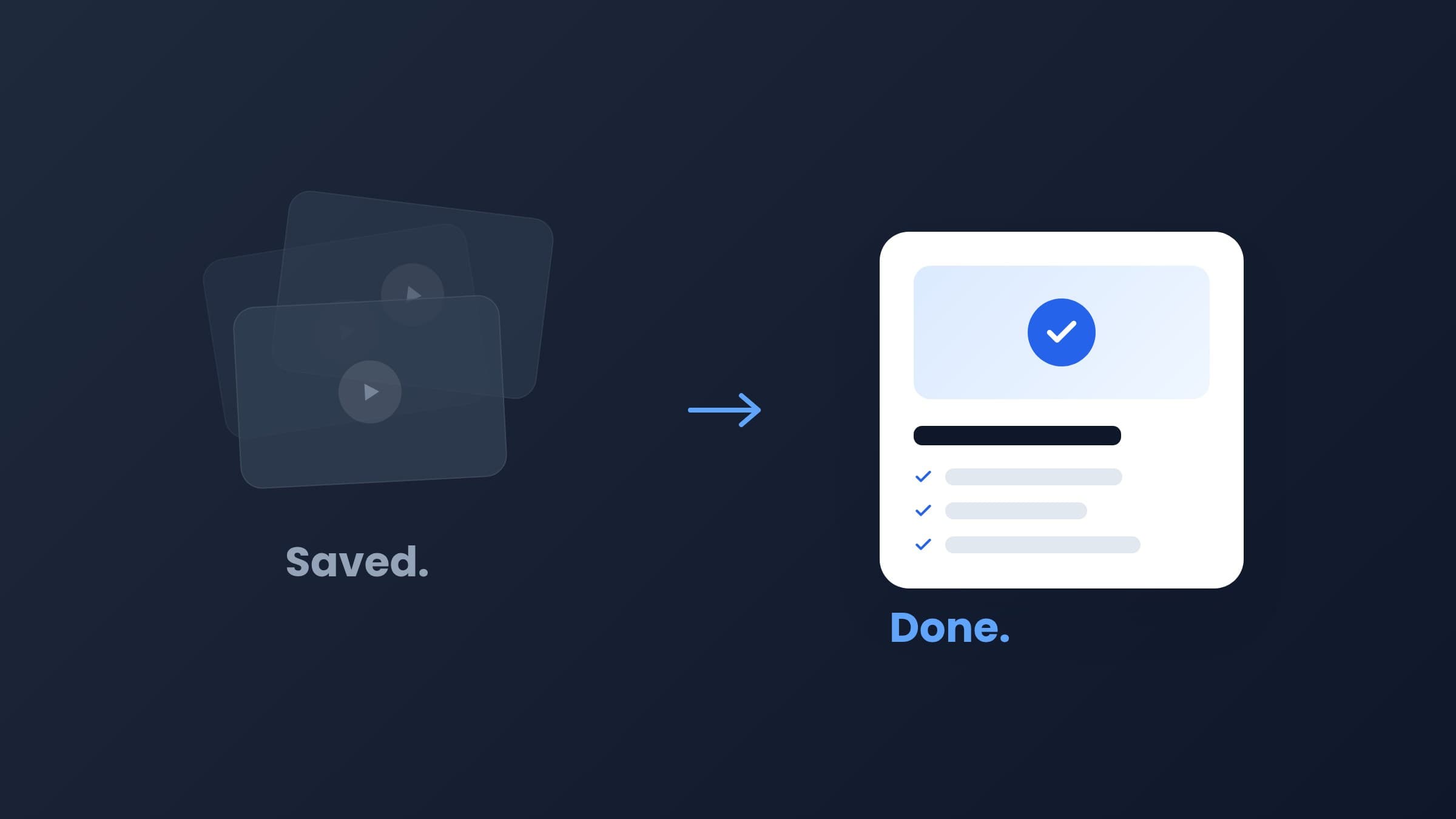
You never finish the DIY projects you save because saving and doing are two different systems. A saved video has no materials list, no steps, and no place in your plans, so it stays a video. The fix is to turn each save into a concrete project with materials, tools, steps, and a cost, then pick one and start small.
Key takeaways
- Saving a DIY video feels like progress, but it's just a bookmark. Nothing about it is actionable yet.
- Saved projects die for three reasons: they're scattered across apps, they have no plan, and their real cost is unknown.
- The gap between watching and doing closes when a video becomes a list of materials, tools, and steps.
- You don't need more ideas. You need one organized place and one small project to start with.
The save-and-forget cycle, and why it feels so good
It's 11pm. You're watching someone build floating shelves in a 45-second video. The cuts are clean, the wall looks great, and the whole thing seems doable. You tap save. Your brain gives you a little hit of satisfaction, almost as if you'd built the shelves yourself.
That's the trap. Saving feels like the first step of doing, but it's not. It's the last step of watching. Researchers call this "vicarious goal fulfillment": planning or symbolically engaging with a goal can satisfy the urge that was supposed to drive the real action. You saved it, the itch is scratched, and TikTok serves you the next video.
Multiply that by months and you get the situation most DIY fans know well: hundreds of saved videos across TikTok, Instagram, Facebook, and YouTube, and a home that looks exactly the same as it did last year.
Why do saved DIY projects never get done?
It's not laziness. Saved projects die for three structural reasons, and none of them are about motivation.
1. They're scattered across four apps
Some saves live in TikTok favorites, some in Instagram collections, some in YouTube's Watch Later, and a few in browser tabs you're afraid to close. There's no single place to look when Saturday morning comes and you have two free hours. So you don't look anywhere, and the free time goes to something easier.
2. They're videos, not plans
A video shows you the result and the highlights of the process. It doesn't hand you a materials list, a tool list, or numbered steps. To start, you'd have to re-watch it with a notepad, pause every few seconds, and reverse-engineer the project. That's real work, and it's boring work, so it never happens.
3. Their cost is a mystery
Is that accent wall a $60 project or a $400 project? You genuinely don't know, and uncertainty kills momentum. When you can't estimate the cost, you can't commit, and when you can't commit, the save stays a save. We wrote a whole guide on estimating DIY project costs before you start for exactly this reason.
The real gap between watching and doing
Think about what stands between "I saved this" and "I'm holding a drill". You need to know what to buy, what tools you need, what the steps are, roughly what it costs, and honestly, whether it's within your skill level. That's five unknowns. Every unknown is a reason to postpone.
Now compare that with the projects you have finished. Odds are someone handed you a plan: a piece of furniture with instructions, a kit, a friend who'd done it before. The doing wasn't the hard part. The translation from idea to plan was.
The gap between watching and doing isn't willpower. It's the missing translation from video to plan.
So the fix isn't "be more disciplined". The fix is to make the translation cheap. If turning a saved video into a plan takes 30 seconds instead of 30 minutes, the whole equation changes.
How do you actually finish the DIY projects you save?
Here's a system that works with your habits instead of against them. You keep saving videos exactly like you do now. You just add three small moves.
- Give every save one home. The moment a project is scattered, it's dead. Pick one place where every saved project lives, whatever the source app. We cover the options in how to organize saved DIY videos in one place.
- Turn the video into a project card. Materials with quantities, tools, numbered steps, estimated cost, difficulty. Once a save looks like that, it's a real candidate for Saturday morning instead of a vague aspiration. Here's how to turn a DIY video into a step-by-step plan.
- Start with a weekend-sized win. Don't open with the built-in wardrobe. Pick something you can finish in one or two days, because a finished small project buys you the confidence and momentum for the bigger ones. Need ideas? Try these beginner DIY projects you can finish in one weekend.
Where Fatto fits in
We built Fatto because we lived this exact problem. Fatto is an iOS app that takes the DIY videos you save on TikTok, Instagram, Facebook, or YouTube and turns each one into a structured project card: materials with quantities, tools, numbered steps, difficulty, time, and an estimated cost. All your saves, one organized library.
"Fatto" means "done" in Italian, and that's the whole point. Not saved. Done. The app is launching soon on iOS, and you can join the waitlist to get it first.
Until then, the system above works with a notes app and some patience. The important part is to stop letting good ideas rot in four different apps.
Frequently asked questions
Why do I save DIY videos but never do them?
Because saving satisfies the urge that was supposed to drive action, a psychological effect sometimes called vicarious goal fulfillment. On top of that, saved videos are scattered across apps, contain no materials list or steps, and have an unknown cost, so there's never an obvious way to start.
How do I stop hoarding DIY ideas?
You don't have to stop saving. Instead, give every saved idea one home, convert each video into a concrete plan with materials, tools, steps, and cost, and commit to one small weekend-sized project at a time. Finishing one project makes the next one far more likely.
What's the best way to organize saved DIY videos?
Collect them in a single place regardless of the source app, then turn each video into a project card with materials, tools, and steps. An app like Fatto does this automatically from a shared link, but a notes app with a consistent template also works.
What is Fatto?
Fatto is an iOS app that turns DIY videos saved from TikTok, Instagram, Facebook, and YouTube into structured project cards with materials, tools, step-by-step instructions, estimated costs, and difficulty. The name means 'done' in Italian. It's launching soon, with a waitlist open at getfatto.com.
Turn saved videos into done projects
Fatto makes every saved DIY video a project card with materials, tools, steps, and costs. Coming soon to iOS.
Join the waitlist